
Reviewed by Paul R., CEO & Installer
Smart thermostat geofencing saves real money when three settings are right: every phone in the house is enrolled, the boundary is wide enough for the system to recover before you get home, and the away temperature is a few degrees off your normal setting rather than ten. Get those wrong and geofencing either never kicks in or leaves you walking into a cold house.
The savings are worth the setup. ENERGY STAR estimates that a certified smart thermostat saves about 8% on heating and cooling bills, and away detection is one of the features that earns it. A house that sits empty from 8 to 5 on weekdays spends a lot of hours heating rooms nobody is in.
How Geofencing Decides You Are Away
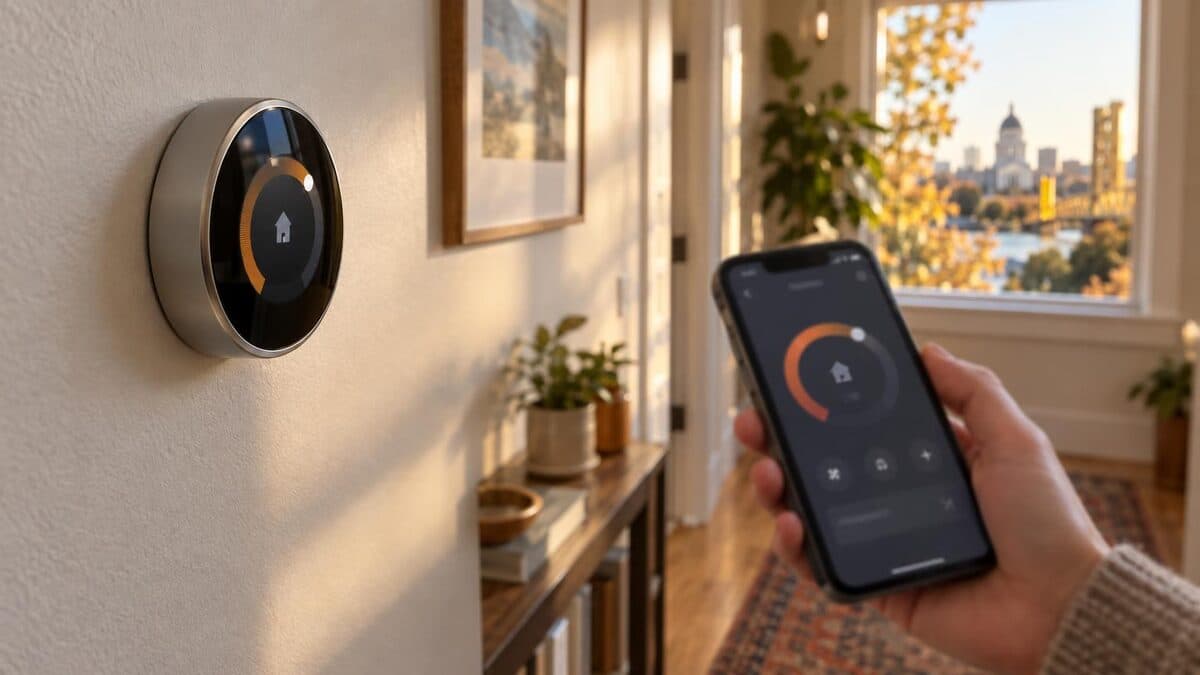
Geofencing works by drawing a virtual circle around your home and watching each enrolled phone's location. When the last enrolled phone leaves the circle, the thermostat switches to its away temperature. When the first one heads back inside, it starts bringing the house back to your normal setting.
The thermostat itself does not track anyone. The phone app does, using the phone's location services, and reports in. That detail explains most geofencing complaints.
Google Nest, ecobee and Honeywell Home thermostats all offer a phone-location away mode, under different names in each app. Some brands also use motion or occupancy sensors in the thermostat or a remote room sensor as a second vote: if someone is moving around the living room, the house stays in home mode even if a phone says otherwise. If your model has that option, turn it on. It is the cheapest insurance against false away switches.
Enroll Every Phone in the Household
Every adult who comes and goes needs the thermostat app on their phone, signed in to the same home, with location access set to always allow. This is where most setups fail.
A typical pattern: one spouse installs the thermostat, enrolls their own phone, and leaves for work. The other spouse is home all morning, but the thermostat only knows about the first phone, so it decides the house is empty and drops to the away temperature. By ten o'clock someone is overriding it by hand, and by the end of the week geofencing is switched off as "broken."
Three things to check on each phone:
- Location permission set to always. "While using the app" is not enough, because the app is closed most of the day.
- Battery saver exceptions. Aggressive battery optimization on some phones stops the app from reporting in the background. Exempt the thermostat app.
- Same account, same home. Each person needs their own login invited to the home, not a shared password on two phones.
Teenagers with phones count as household members too. Kids without phones and guests do not show up at all, so a babysitter evening is a good time for a manual hold.
Set a Radius That Matches Your System
The radius should be large enough that the house is back to temperature by the time you walk in. How large depends on your equipment and your drive.
A gas furnace delivers hot air quickly and recovers a few degrees in a short time, so a smaller boundary works. A heat pump warms the house steadily but slowly, so it needs more lead time and a wider circle. If you commute across Sacramento on surface streets, your return trip takes longer than the straight-line distance suggests, and a modest radius often covers it. A freeway commute closes the gap faster.
Our recommendation: start with the app's default, then pay attention for a week. If the house is still catching up when you get home, widen the radius a step. If the system flips to home mode every time you run to a store a mile away, shrink it.
Pick an Away Temperature You Can Recover From
A modest away temperature saves more than an aggressive one once you count the recovery. For heating, set away a few degrees below your normal setpoint, not ten. For cooling in a Sacramento October, when afternoons still reach the high 80s, set it a few degrees above.
With a heat pump, keep the heating away setting especially modest. A deep setback forces a long recovery that can bring on the backup heat strips, which cost more to run. We covered that in detail in our post on heat pump setbacks and AUX heat.
ENERGY STAR's heating and cooling guidance makes the same broader point: steady, sensible settings and a well-kept system beat dramatic swings.
Use Geofencing and a Schedule Together
Geofencing handles the unpredictable hours, and a schedule handles nights and the routines you already know. Run both.
Set the schedule for sleep and wake temperatures, since everyone is home at night and geofencing would never trigger anyway. Let geofencing cover the daytime, when work, school pickups and weekend errands make a fixed schedule wrong half the time. In an Elk Grove household with two commuters and kids in after-school sports, that combination catches empty hours a weekday schedule never would.
When to Call PULSE HVAC
Call us if geofencing is set up correctly but the house still takes too long to recover, if your heat pump runs backup heat every time it comes out of away mode, or if you want a smart thermostat installed and configured for your system type. Slow recovery is sometimes a thermostat setting and sometimes an airflow or equipment problem, and we can tell you which.
PULSE HVAC installs and services thermostats across the Sacramento area. Call (916) 850-2221 or book online to schedule a visit.
Sources
Need HVAC help in Sacramento?
Same-day service · Free estimates · Licensed & insured